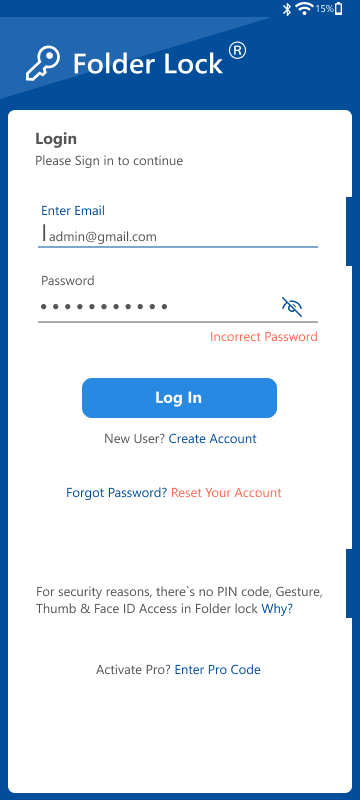
Use Folder Lock only inside the approved appeal controls
Folder Lock may fit supported-device storage for selected appeal evidence and lockers. It does not replace agency portal permissions, enterprise identity, agency-recipient authorization, independent backup, legal retention decisions or tested password recovery.
Appeal Support pilots Folder Lock with fictional appeal exhibits. The team records version and licensing, tests locker creation, import, lock/unlock, agency recipient-device behavior, backup and recovery limits, then approves only the devices and stages that passed.
Run the control in five steps
- 01Verify the current version, licensing and supported systems.
- 02Create a test locker with fictional appeal files.
- 03Test authentication, editing residue and closure.
- 04Test independent backup and recovery behavior.
- 05Document approved uses, exclusions and support ownership.
Preserve an accountable decision trail
Keep version, installer source, license, system, locker location, test manifest, access and residue results, backup and recovery test, approved appeal-file stages, exclusions and review date.
Stop and investigate when
- Product artwork is treated as independent assurance.
- A locker is treated as enterprise identity management.
- Cloud-related features are described as guaranteed backup.
State what the control does not prove
Does not replace provider permissions, guaranteed backup, password recovery or enterprise identity management. Validate agency-recipient authorization, provider permissions, plaintext copies, retention and recovery separately.
Read every supplied visual with its limitation
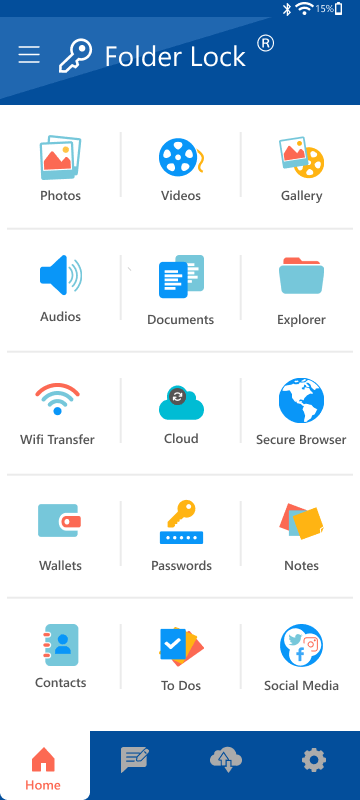
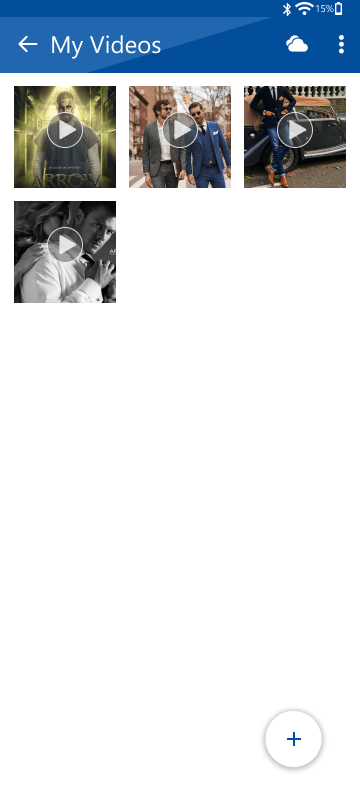
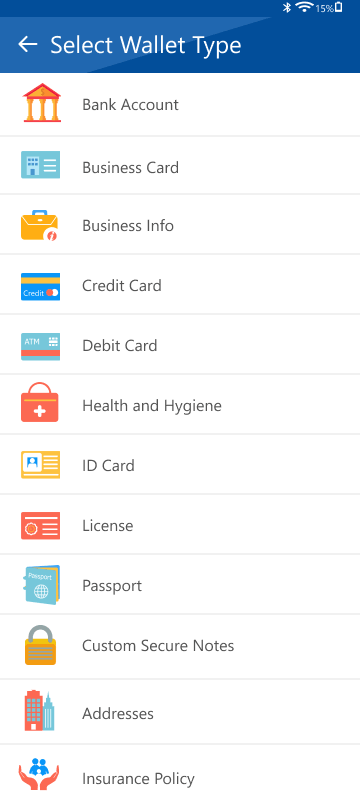
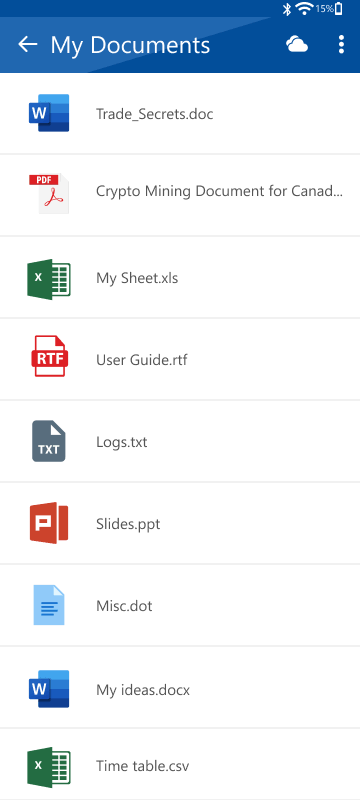
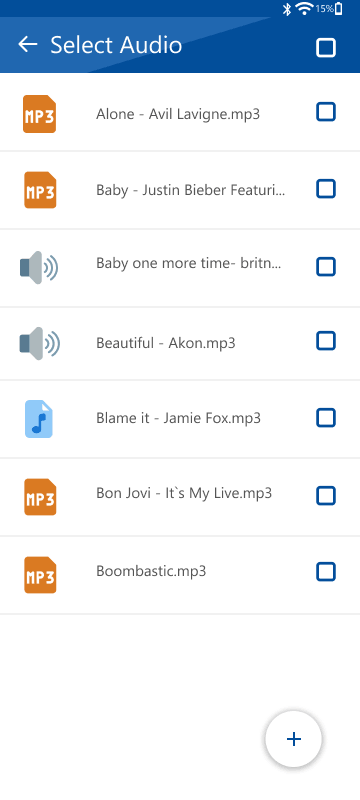
Confirm the current release, supported systems, encryption boundary, agency portal permissions, recovery behavior and plaintext residue.
Benefit appeal evidence security questions
Does Folder Lock replace agency portal access controls?
No. Continue to manage provider roles, agency-recipient authorizations and device access separately.
Do supplied images prove current behavior?
No. They are legacy product materials; test the current installed version in the actual applicant diligence workflow.
Sources for this decision
Links support specific control decisions and do not imply endorsement.